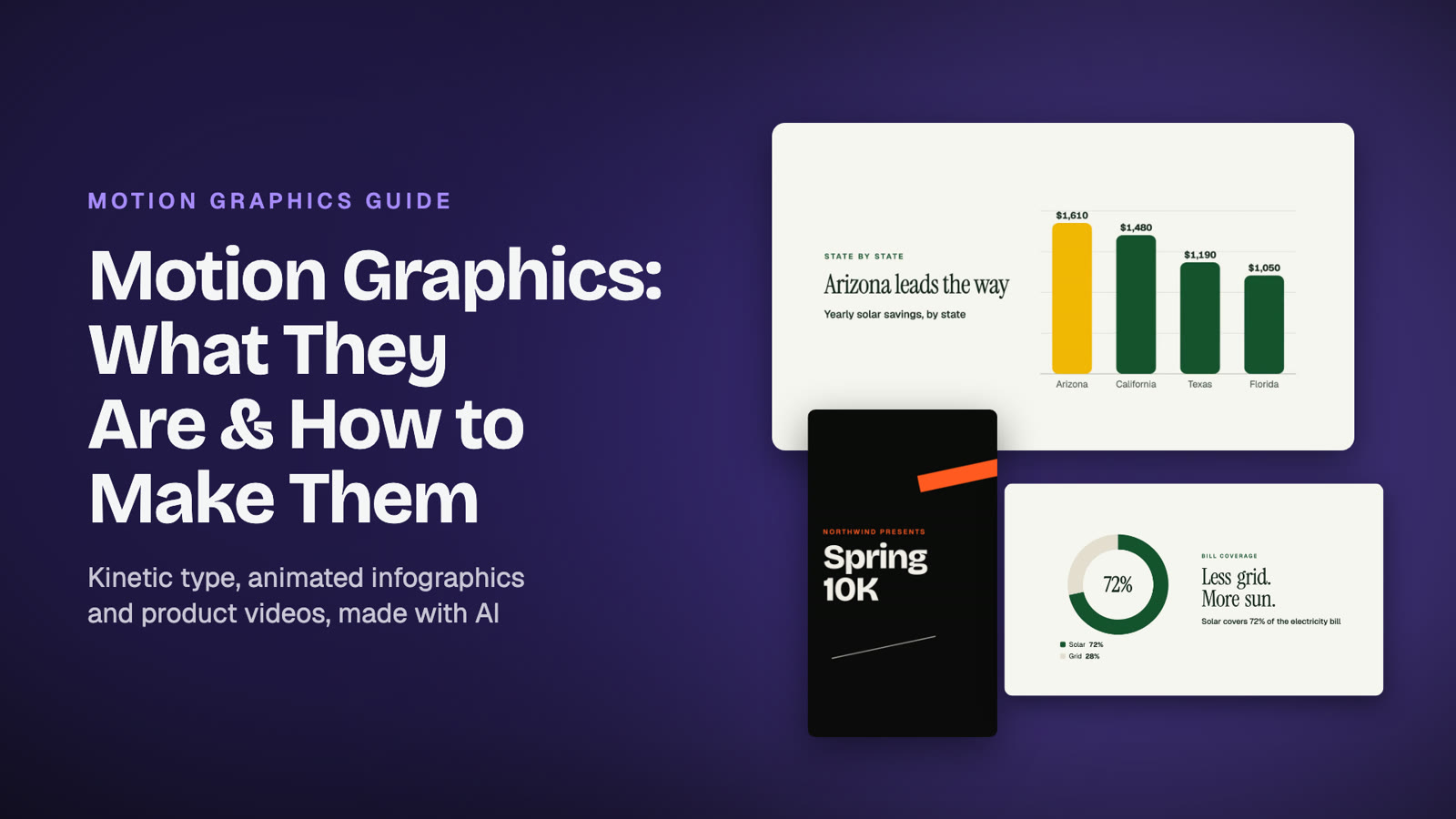
Motion Graphics: What They Are, Examples & How to Make Them
What motion graphics are, the main types with real examples, how professionals make them, and how to make your own motion graphics with AI in minutes.
Describe it, add your logo and footage, and get a polished, on-brand video in minutes.
First video free / No card required
Three steps from an idea to a finished video. No editing software, no animation skills.
Write what the video is about in plain words: the product, the process to explain, the audience and the tone. No storyboard, no timeline.
Attach your logo, photos, clips, a voice-over or music, or apply a saved brand kit. Pick a template or let the AI design every scene.
Watch the result, ask for changes in plain words, and download an MP4 in landscape, square or vertical for your site, ads or social.
Script structure, design, animation, music and timing: the parts that usually take days in a video editor.
The AI plans a storyboard, then art-directs every scene of your animated video: layout, type, motion and color.
Video editing AI that takes notes like an editor. Say what to change and get a new version. Your first change is free.
Brand kits keep your logo, colors, fonts, tone and call to action, and fill them into every new video.
Photos and clips become full-bleed scenes with smooth camera moves. Short on media? Matching stock photos and music are added for you.
Upload a narration and scenes are timed to your words, with the music lowered while you speak.
If a video can't be made, your credits come back automatically.
One AI video maker for the videos businesses actually need.
Explain how your product, service or process works in clear steps: the problem, numbered steps, the outcome and a call to action, with icons, charts and counters to make it stick.
Kinetic type, animated shapes, illustrations and transitions without keyframes. A clean animated video made from a sentence, no animation software needed.
Reveal a product, announce an offer or promote an event with a polished promo video that uses your own product shots.
Vertical 9:16 videos for Reels, TikTok and Shorts, square 1:1 for feeds, and 16:9 for YouTube and your website, from 15 seconds to 2 minutes.
Turn listing photos or a portfolio into a cinematic tour with captions, key facts and a contact card.
About-us films, hiring videos, customer stories and year-in-review videos, built from your own words and footage.
Every template adapts to your content, brand and length. Prefer something unique? Freeform designs it from scratch.
New accounts start with 1 free credit. Top up whenever you need more, and use a promo code at checkout if you have one.
An AI video editor makes and edits the video for you from instructions. With Animatid you describe the video you need, add your logo and media, and the AI writes the scenes, designs the layout, animates it and renders an MP4. Changes are made the same way: you describe them.
Describe what you want to explain, who it's for and what viewers should do next. Pick the Explainer template or let the AI choose a design, attach your logo or screenshots, and send. Animatid structures it into the problem, clear steps and an outcome, then animates it. Most videos are ready in a few minutes.
Yes. Animatid composes animated scenes from text, shapes, icons, charts, counters and illustrations, and adds the motion and transitions itself. You never touch keyframes or a timeline.
Yes. Every video has a Design Studio where you chat with Animatid AI: ask for a different headline, color, scene order, format or length and get a new version. Your first change is free, and you can go back to any earlier version.
An MP4 (H.264, up to 1080p) in 16:9, 1:1 or 9:16, from 15 seconds up to 2 minutes, with royalty-free music. Use it on your website, in presentations, ads, email campaigns or social channels.
Yes. Upload a voice-over and the scenes are timed to it, add your own music or let Animatid pick a royalty-free track, and use your brand fonts from a file or Google Fonts.
No. Describe what you want and the AI designs the video from scratch, or choose a ready-made template such as Explainer, Product Launch or Property Tour.
You pay per video with credits: 1 credit covers a video up to 20 seconds, and longer videos use 1 credit per started 20 seconds. Buy 5 to 10,000 credits at a time, with no subscription. New accounts get a free credit.
Yes. New accounts get one free video, no card required. Trial videos are 720p with a small watermark.
Make your first video free. No card required.
Start free
What motion graphics are, the main types with real examples, how professionals make them, and how to make your own motion graphics with AI in minutes.

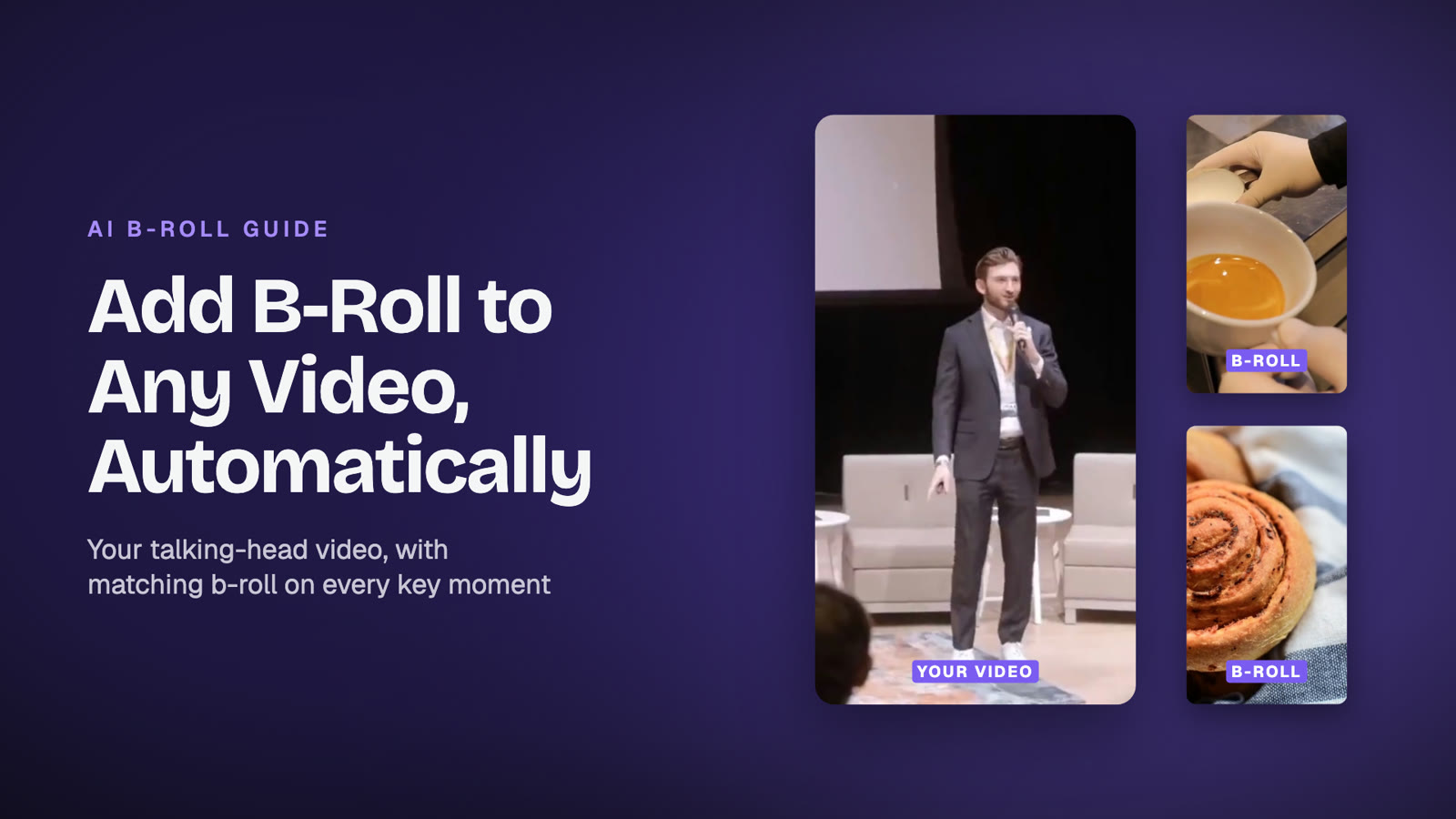
How AI b-roll works, how to add matching b-roll to your talking-head videos in minutes, which shots work best and how much b-roll to use.

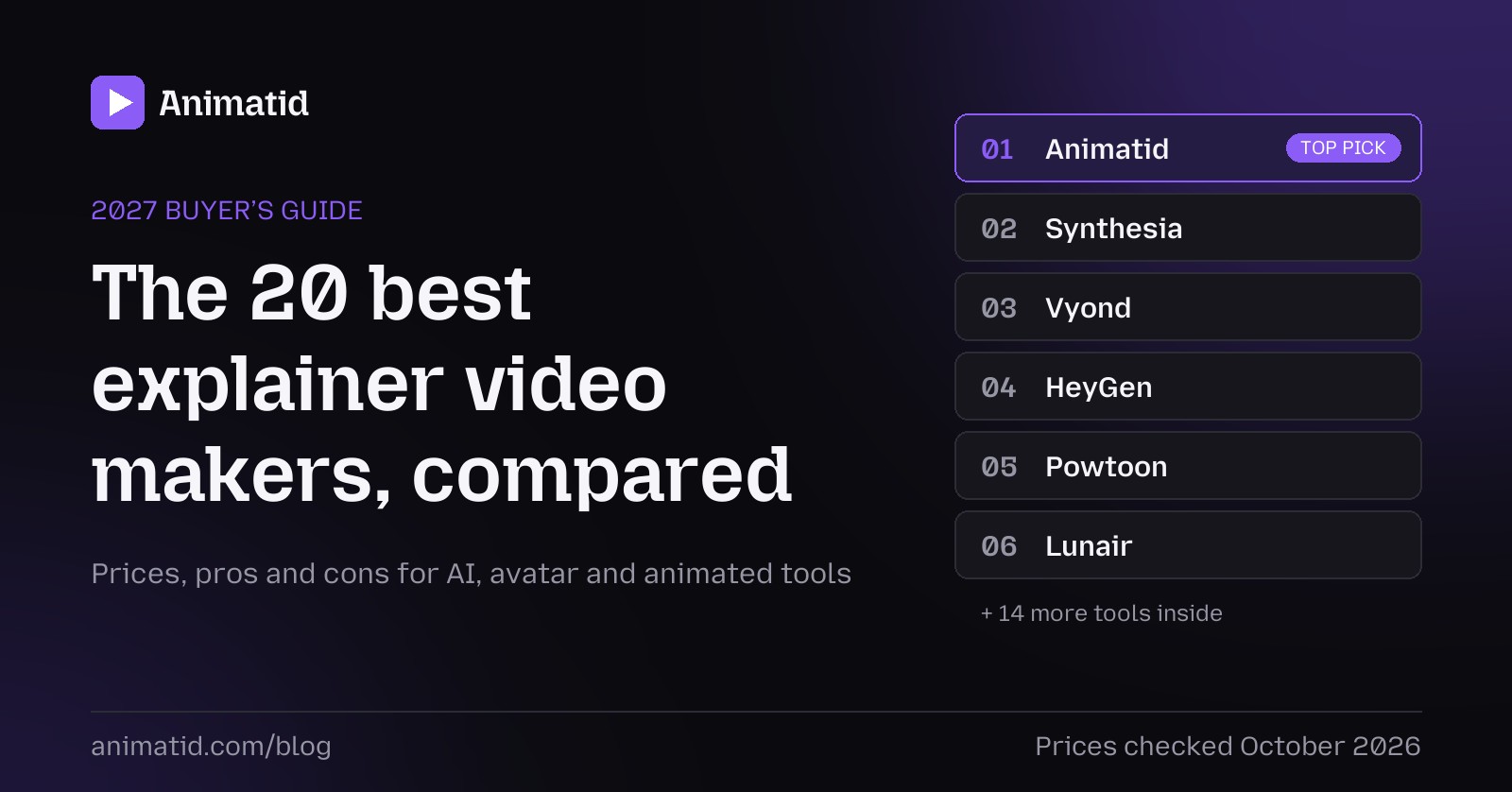
Real explainer video costs: freelancers, studios, agencies and AI tools compared by style and length, plus hidden costs and how to get a professional video on any budget.